
SkyCiv-Revit Integration
Discover key features of SkyCiv - Revit Plugin
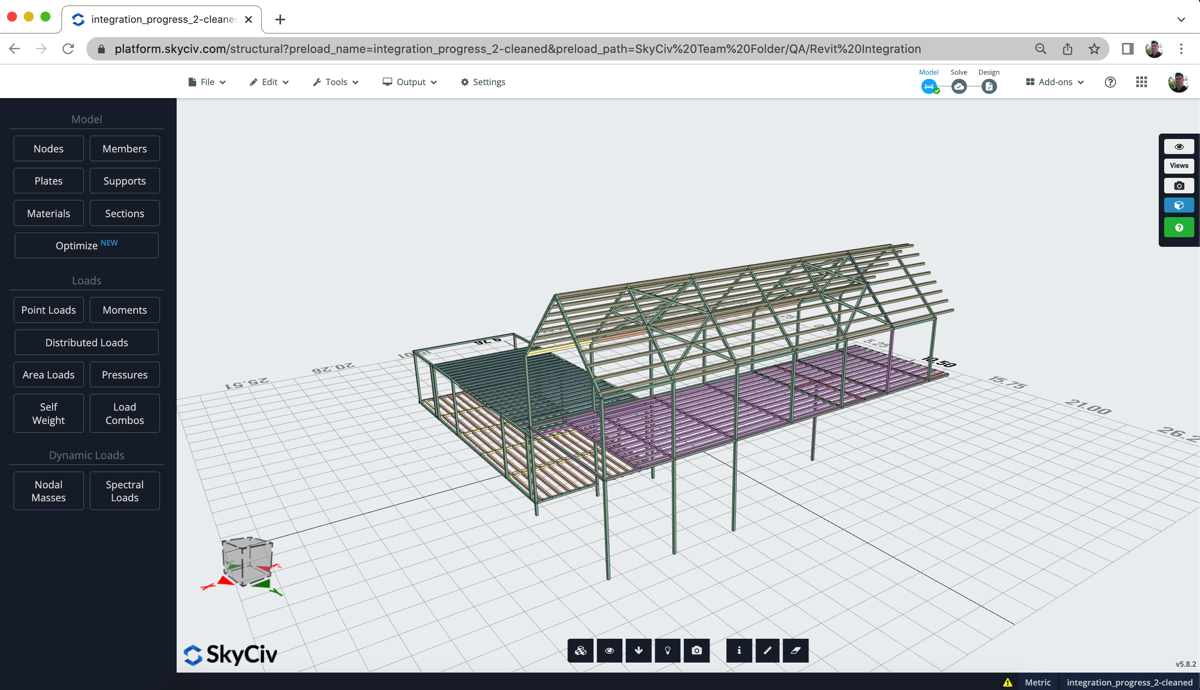
Work Faster with SkyCiv BIM Capabilities
Autodesk Revit is a powerful CAD/BIM software used for the modelling, design and documentation of buildings and other structures.
BIM collaboration is becoming increasingly important for Structural Engineers to improve productivity and the quality of designs. SkyCiv's BIM integration with Revit will allow you to work faster. Import models directly from Revit and export your structural models back into Revit for documentation.
Multiple workflows support working directly from within Revit, with SkyCiv's Revit Plugin. Don't have Revit? Import .rvt models directly in SkyCiv Structural 3D.
Import From Revit
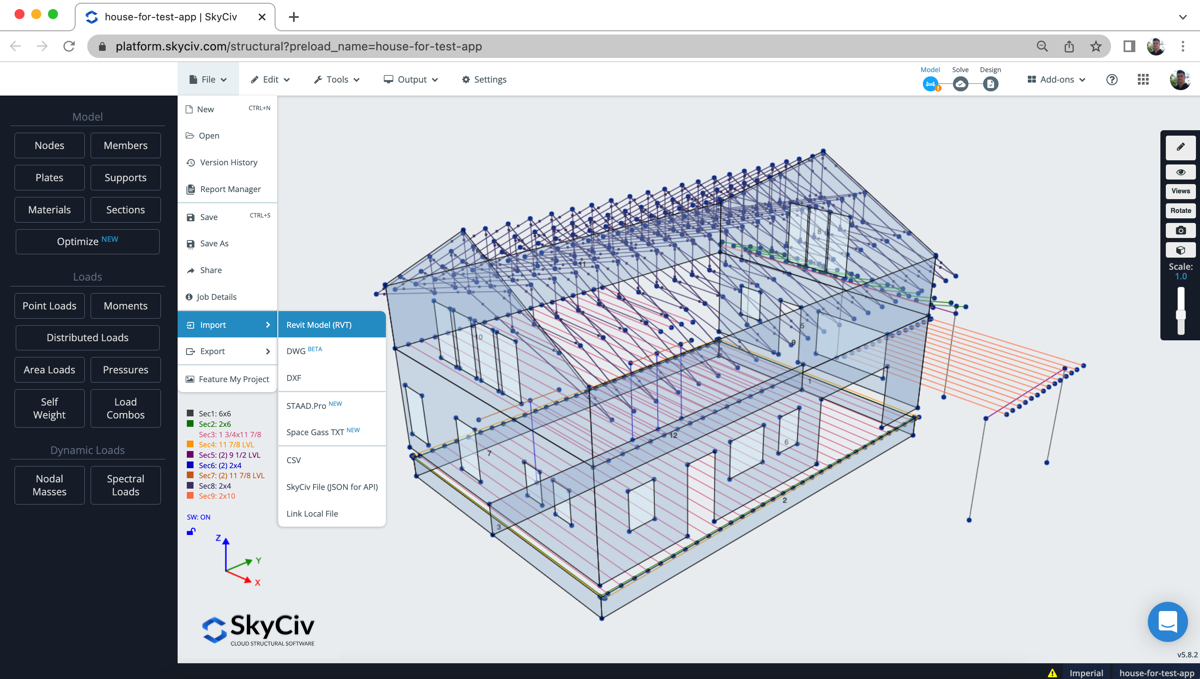
Regardless of whether you have Revit or not, SkyCiv can import .RVT files directly in S3D. Simply click File-Import and upload your Revit model to import.
A window will display with a preview of your Revit model for you to verify. Once you have reviewed your model and are ready click Import to proceed.
SkyCiv will generate a structural model from your Revit file and display it in Structural 3D, along with any loads and supports that exist in the model. Your model will also be cleaned and should be ready to be analysed.
Export .RVT and .IFC
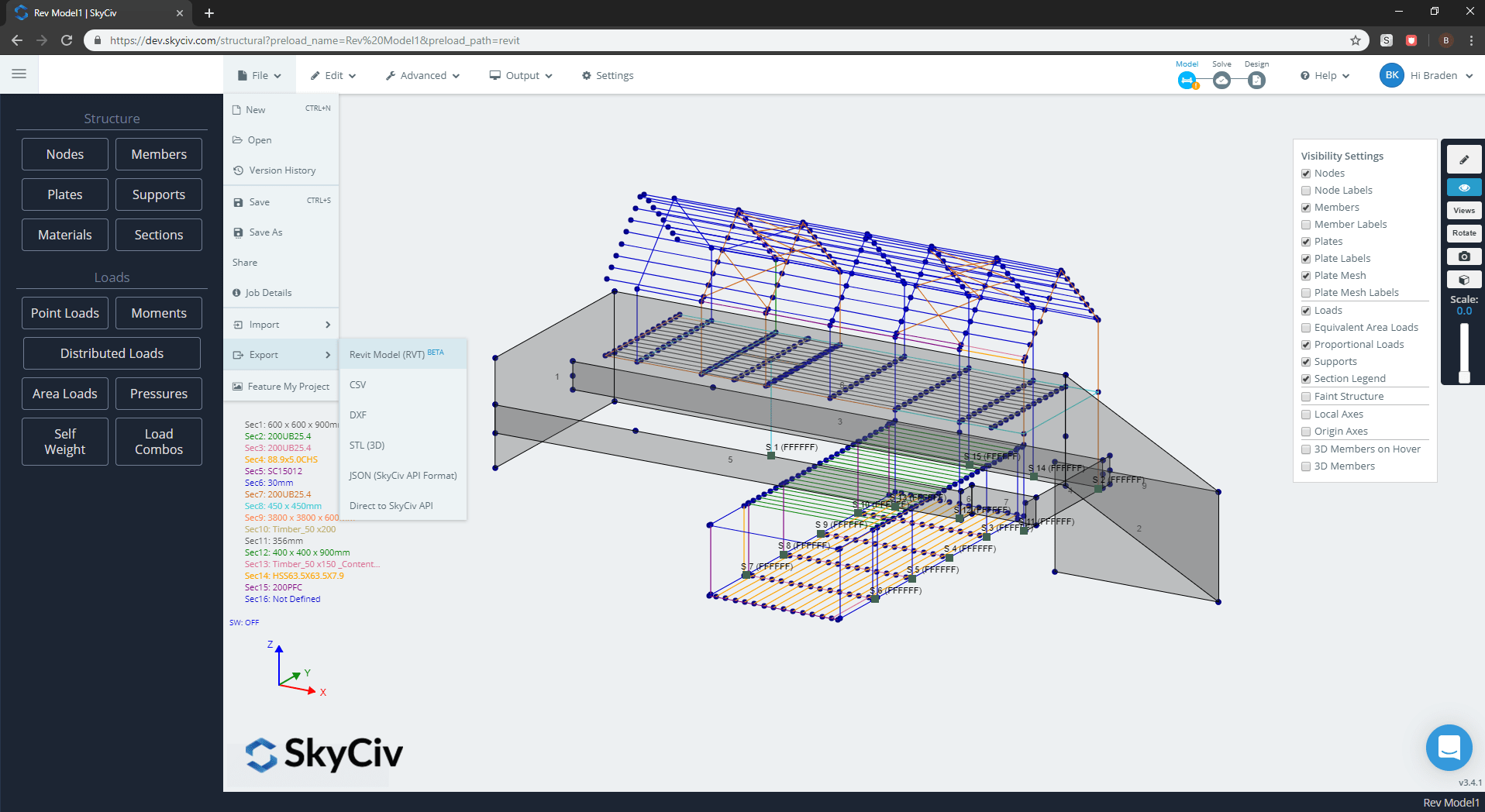
SkyCiv Structural 3D will export your members, plates, loads and supports into Revit, by simply exporting an .RVT or .IFC file. Simply export your structural model with a click of the mouse. This completes the workflow so that engineers can export their analytical models for documentation or to update an architect's model.
Your model can also be exported as a .IFC file, ready to be imported into Revit or many other documentation programs such as Tekla or AutoCAD. This model will pull in all of the structural data, including section properties, loads, supports and materials. No more double handling!
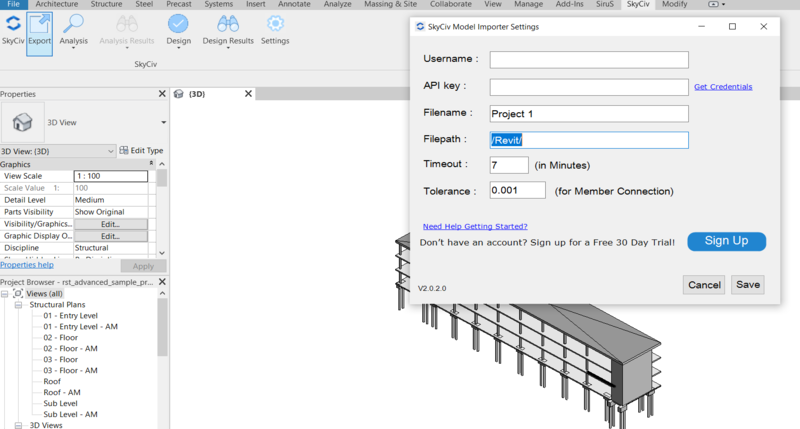
Revit Plugin
The SkyCiv Revit plugin can be installed on any versions of Revit from 2017 up to the latest version. This helps Revit users easily build structural models from their documentation models.
- Import all nodes and line elements
- Import point and line loads
- Supports multiple unit systems
- Automatically assigns families (cross sections) to the correct section shape, ready to solve and design
- Non-standardised shapes will be modelled and can still be imported into S3D
- Auto Repair Model functionality will clean up your model, connecting close-proximity nodes and removing duplicate members
Learn more about SkyCiv - Revit Integration

