

可靠, 易于使用的设计软件
风, 雪, and Seismic Load Software analysis
Capabilities for modelling and analysing simple to complex structures.
风, 雪, 和地震荷载软件
使用 SkyCiv 负载生成器快速轻松地生成风, 雪, and seismic loads based on a variety of codes for your project’s design criteria. 利用简单的用户界面有效地进行计算, 然后将站点报告或设计负载报告打印为PDF,以备将来使用. Directly apply the design loads from the Load Generator onto your project’s 3D model in Structural 3D.
WHY ENGINEERs SWITCH
Structural analysis software that runs the full workflow
Easy and powerful FEA analysis
Run linear, 非线性的, buckling and dynamic analysis within a single solver. No separate modules for complex analysis types.
Integrated design checks
钢, 木结构, timber and cold-formed design modules run directly on your analysis results. No exporting, re-entry or version mismatches.
详细 calculation reports
Every formula, design check and
reference is shown in full, so you can defend every number, not just the result.
WHY ENGINEERs SWITCH
What Wind, 雪, and Seismic Load Software Offers
Capabilities for modelling and analysing simple to complex structures.
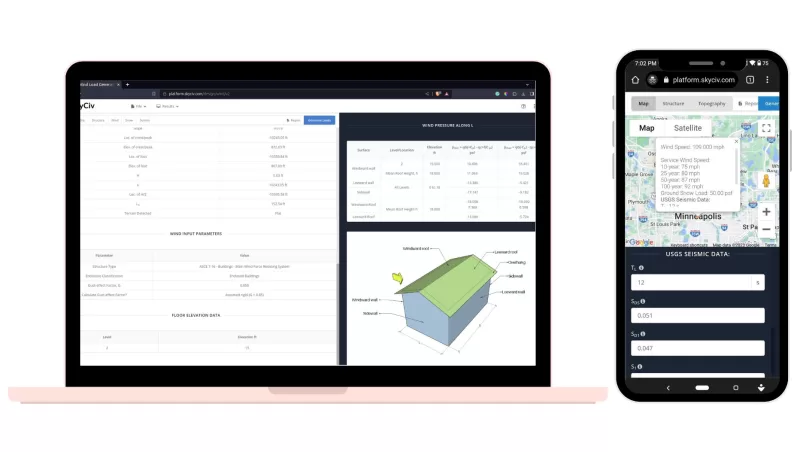
风雪荷载计算器
只需输入位置, 邮政编码, 或项目的纬度/经度
重要程度的简单选择, 风险类别, 和更多
单击并拖动图钉以快速计算风速
自动计算地形数据, 包括地形因素
清晰的高程剖面图显示现场地形因素
目前支持: asce 7-10, asce 7-16, asce 7-22, AS / NZS 1170, 作为 4055, NBCC 2015, NBCC 2020, 在 1991-1-4, 是 875-3, NSCP 2015, CTE DB SE-AE, 和 CFE
计算风设计压力
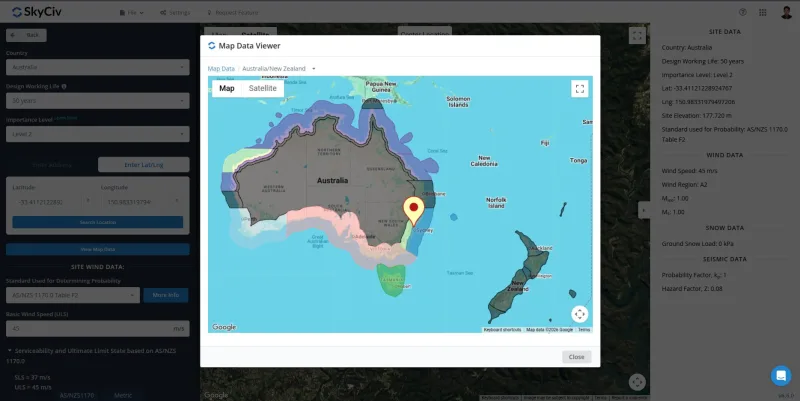
一旦计算出风速 (或由用户手动输入) 然后,您可以继续输入建筑信息,例如结构类型和相关结构参数,以计算结构上的风压.
全面计算墙壁和屋顶的设计压力和标高
迎风, 背风, 侧墙, 和屋顶压力
屋顶和墙壁组件以及覆层的压力计算
地形, 定向, 阵风, 曝光系数
干净专业的PDF报告, 详细结果
目前支持: asce 7, AS / NZS 1170, 作为 4055, NBCC, 在 1991, 是 875, NSCP, CTE DB SE-AE, 和 CFE 要求.
结构类型*: 建筑物 (打开和关闭), 标志和广告牌, 独立墙, 等等
自动雪荷载
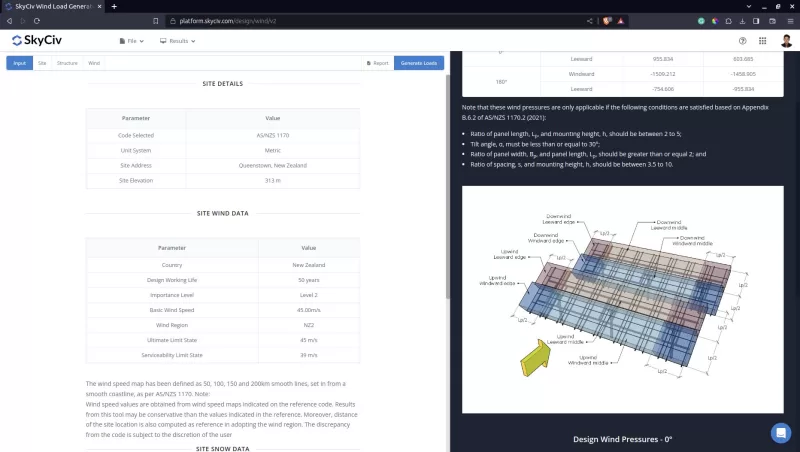
SkyCiv负载生成器还将计算需要应用于模型的设计雪荷载和雪压力, 包含:
为您的结构生成雪荷载 – 从简单的屋顶案例到带有投影和多层屋顶的屋顶
山墙雪荷载工况, 单坡, 和多层屋顶
简化而直观的雪荷载结果图
在地图查看器上查看雪荷载等高线
添加多个工况以简化计算
干净专业的PDF报告, 详细结果
目前支持: asce 7-16, NBCC, EUROCODE, 和澳大利亚标准
直接应用于您的模型
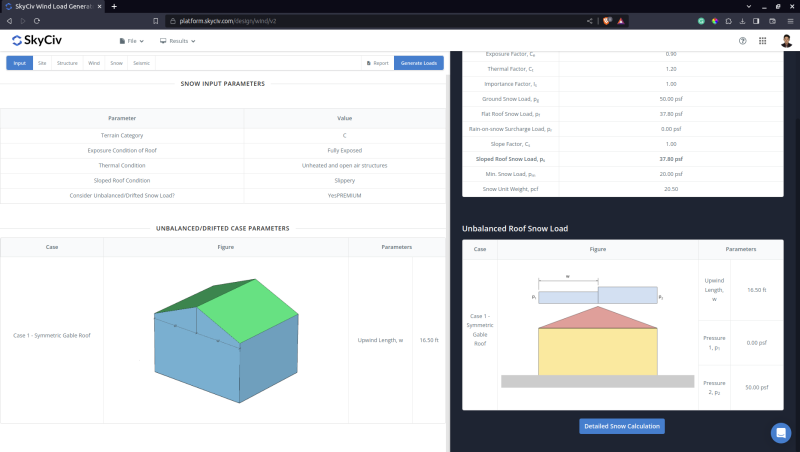
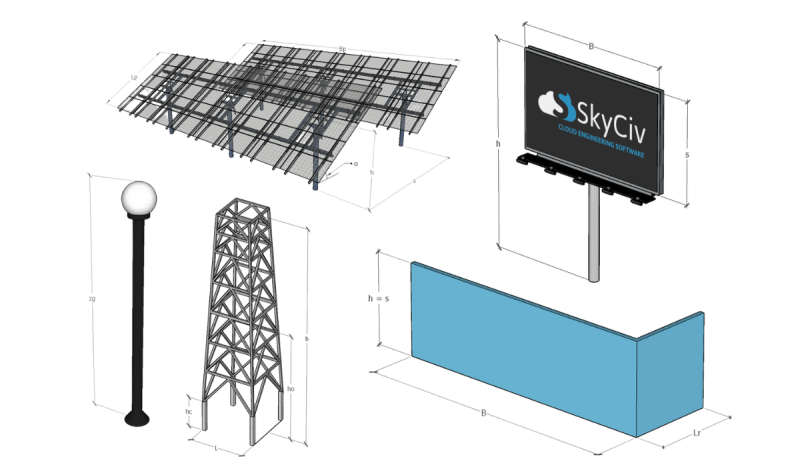
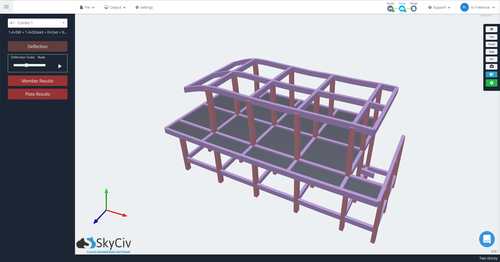
SkyCiv风荷载模块与 SkyCiv 3D structural analysis software , 因此您可以立即将设计压力施加到结构上. 的 结构设计软件 将自动计算支流宽度并快速轻松地应用DL. 只需单击几下即可生成并检查您的风荷载!
简单的节点条目即可应用风压
动态加载 – 随着结构的变化, 风荷载自行调节
自动应用荷载组合和系数
自动计算支路宽度并将DL应用于内部成员
编辑, 消除, 或随时调整风荷载
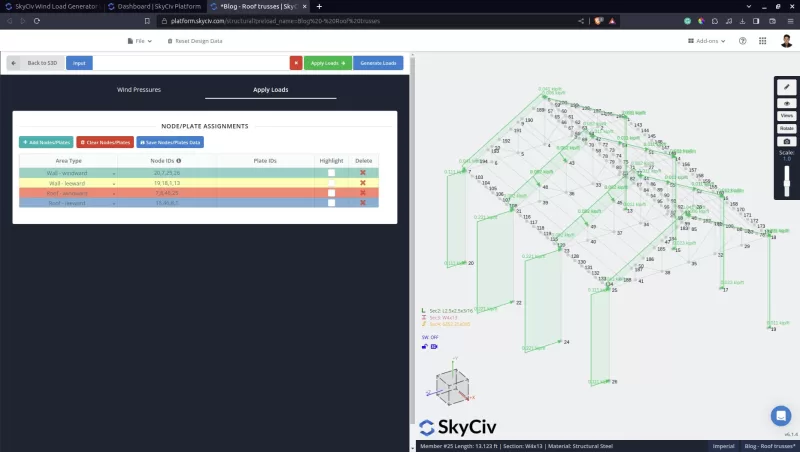
API 访问
The SkyCiv Wind, 雪, and Seismic Load API Supports direct access to this technology with a simple HTTP request. 这意味着您可以获得风速, 压力, 雪压, 地震荷载, 以及更多直接 API 调用, 包含:
使用API根据地址获取结构的风速和雪荷载
使用API生成风雪压力
使用 API 计算地震荷载 (asce 7-16)
返回完整的摘要和详细的 PDF 报告
完美的设计自动化
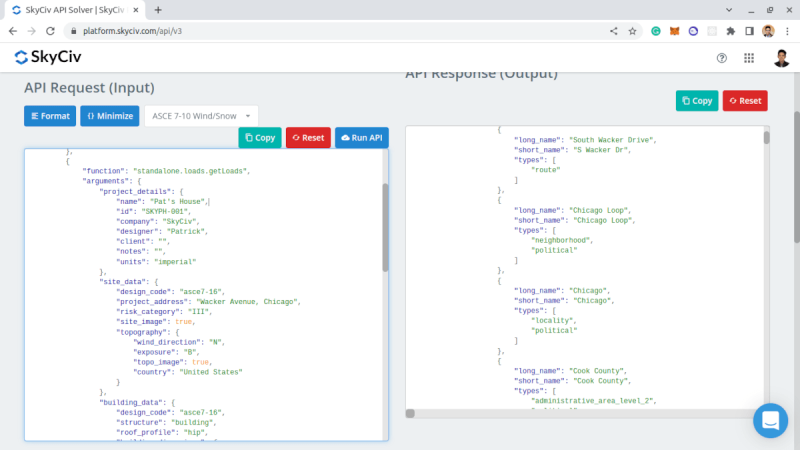
详细的设计报告
SkyCiv 负载生成器模块包括干净而强大的报告, 具有不同层次的细节 – 取决于你的需要.
风速和载荷附有地图信息, 逐步计算高程和设计因素 (比如地形, 定向的, 阵风, 暴露系数) 以及最终的设计压力和结果. 非常适合包含在您的项目文档中.
雪地设计压力还包括暴露等分步因素, 热的, 重要性等等, 取决于您选择的设计代码. 还提供了最终雪荷载,以便清晰简洁地报告.
显示假设和参数的地震载荷计算报告, 让您对将在设计中使用的结果充满信心.
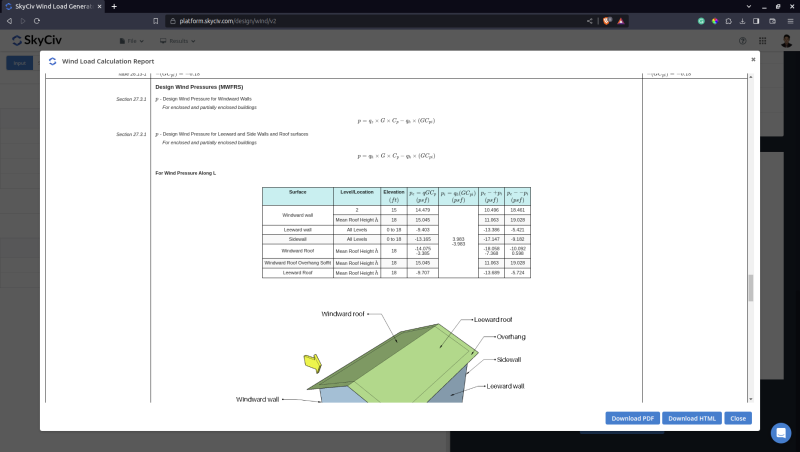
多种结构类型
除了建筑物, SkyCiv 负载生成器支持多种结构类型用于风荷载和/或雪荷载计算. 我们将通过计算地形因子来讨论地形对结构风荷载的影响:
建筑物
独立墙 (asce 7, AS / NZS 1170, NBCC, 在 1991)
标志牌 (asce 7 和EN 1991)
波兰人 (在 1991)
桁架塔 (asce 7)
屋顶设备/结构 (asce 7)
开放式框架/标志 (asce 7)
储罐/筒仓 (asce 7 和AS / NZS 1170)
产生地震载荷
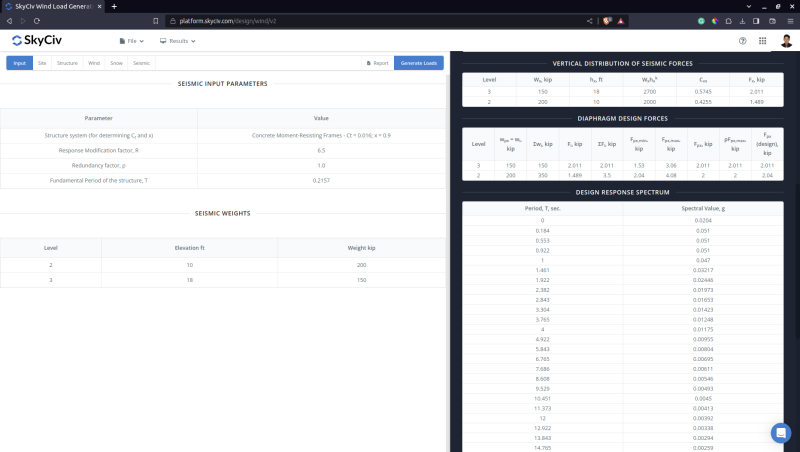
SkyCiv 负载生成器模块现在包括针对 ASCE 的地震荷载计算 7-16, asce 7-22, 作为 1170.4, 新西兰移民局 1170.5, NBCC 2020, 和 NSCP 2015. 根据来自 USGS 的现场地震参数确定可以应用于结构的地震基础剪力和隔膜力. 生成可应用于 S3D 模型的设计响应谱! 只需点击几下即可获得详细的地震报告,这样您就可以对自己的输出充满信心.
利用 SkyCiv 负载生成器加速您的抗震设计计算
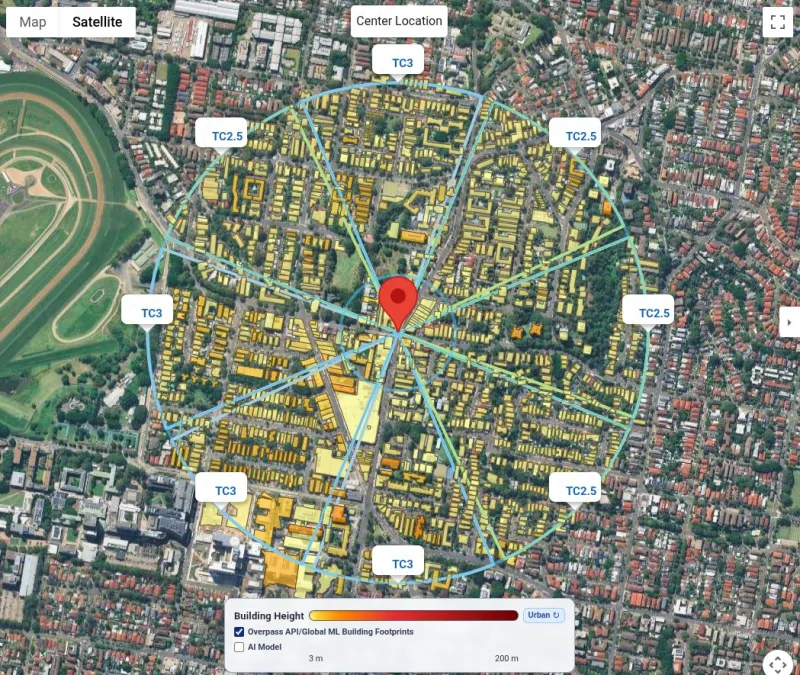
Automatic Terrain/Exposure Category
The SkyCiv Load Generator now supports automatic terrain/exposure categories for each wind source direction based on the following building datasets: from Overpass API, Microsoft Global ML Building Footprints, and our trained AI model.
This feature is available in the following codes: asce 7-16/7-22, NSCP 2015, AS / NZS 1170, 并作为 4055.
supported standards
Globally Supported Design Standards
Capabilities for modelling and analysing simple to complex structures.
DESIGN STANDARDS
Structural design codes
Complete support for local design standards across steel, 木结构, timber and more
| 类别 | Supported Codes |
|---|---|
| Steel design | AISC 360, 作为 4100, CSA S16, BS 5950, EUROCODE 3 (在 1993), 是 800, 新西兰移民局 3404 |
| 钢筋混凝土 | ACI 318, 作为 3600, EUROCODE 2 (在 1992), CSA, BS |
| 木材设计 | NDS, AS / NZS 1720, EUROCODE 5, CSA |
| 冷弯型钢 | AISI, EUROCODE, AS / NZS 4600 |
| 连接设计 | AISC 360, EUROCODE, 作为 4100 |
| Wind and seismic loading |
skyciv的区别
切换到SkyCiv
Everything your team needs to work faster,
从任何地方.
Work faster with integrated workflows
Your model integrates with more tools, saving you time and energy. Design faster, smarter and with less margin for error.


跳过安装
SkyCiv完全在云中运行. 没有下载, 更新, 或需要设置. 只需从任何浏览器登录并立即开始工作.
工程支持
出现问题时, 我们合格的工程师将迅速帮助您解决它们, 使您的项目无需延迟或停机时间.


Easy input, easy output
SkyCiv models take minutes to set up, and the results are all clearly labelled – accompanied with detailed design reports for full calculation transparency.

强大的集成,
Zero Disruption
感言
受到数千人的信赖

易用性和结果展示都很棒. 我与支持团队保持持续交流,他们每一个人都非常优秀.

米奇·弗鲁姆金(Mitch Frumkin)
KIPCON 首席执行官
在多个土木与机械工程课程中都有应用,学生们都很喜欢. SkyCiv 的持续更新也让我们很满意, 强烈推荐.

肯尼斯·R博士. 雷奇
副会长. 教授. at Texas A&m
这很容易成为最直观的学习包; 尤其是在构建 3D 模型, 构件, 支持, 材料, 截面, 然后施加载荷 & 组合.

斯图尔特琼脂
Struct-Sure Limited 总经理
SkyCiv 是一款出色的工具,可以帮助承担多项职责的小公司成员高效、清晰地记录和更新设计结果.

莉迪亚·法伦克鲁格(Lydia Fahrenkrug)
MT Solar 工程师
案例研究
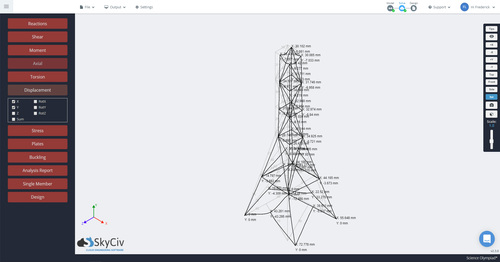
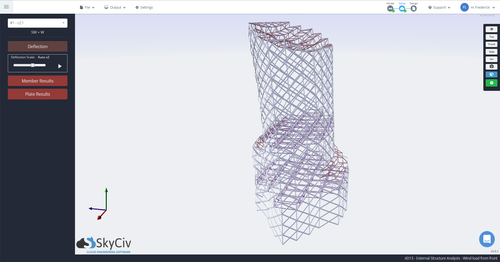
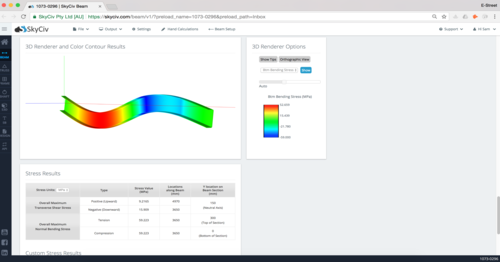
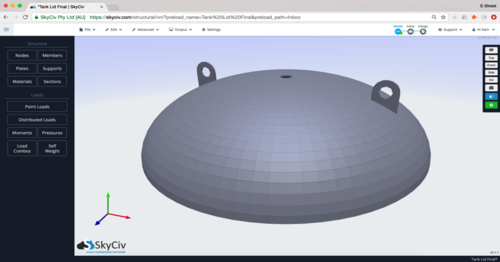
实际项目使用 SkyCiv
价钱
Access SkyCiv Quick Design
Flexible plans for every team size.
No lock-in contracts, cancel anytime.
