SkyCiv Documentation

Your guide to SkyCiv software — tutorials, how-to guides and technical articles

Saving and Loading Sections

You can save and load your sections for future use in the ‘My Sections’ menu.


Example: Saving a Section

If you’ve created a section that you’d like to reuse for the future (or continue to work on later), it is worth saving the section. In this example, two T-Beams have been added to create a cross beam.

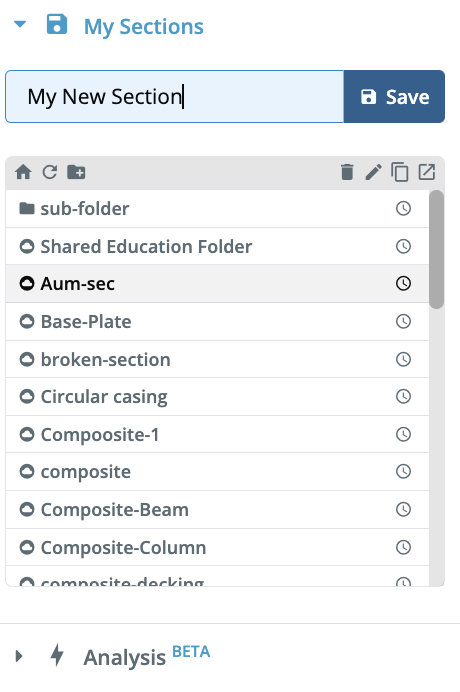
To save the section, expand the ‘My Sections’ menu, type in a name for your section, and click the ‘Save’ button. Users can also manage their sections in folders as well as use typical file-management functions like duplicate, rename or delete.

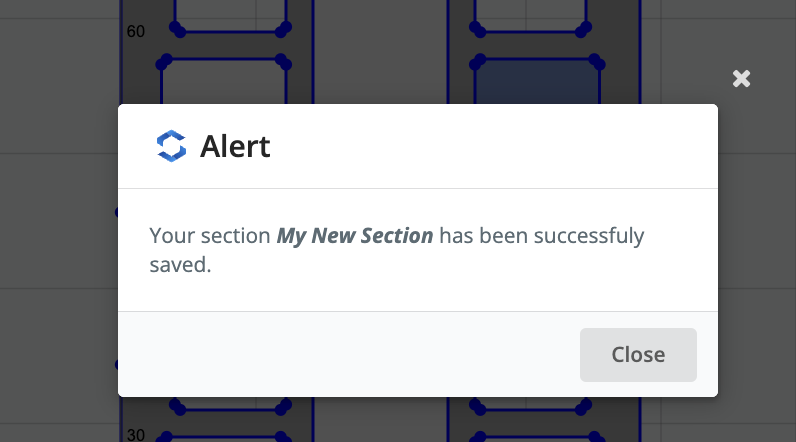
 A pop up will appear to confirm that the section has been saved, and you’ll notice that the section now appears in the MySection table.


Example: Loading a Section

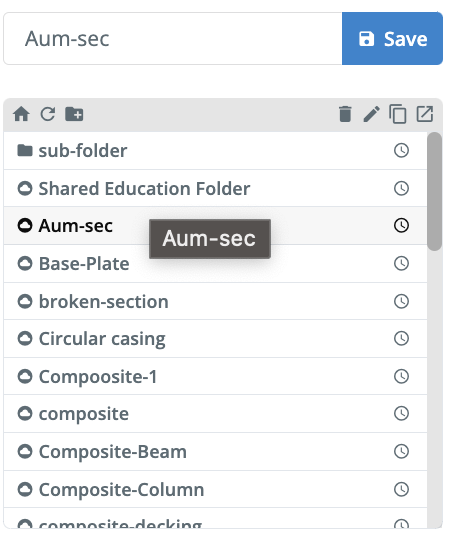
To load a section, simply select any of your previously saved sections, and double click it to open that saved section:
 

How can we help?

×

Go to Top