SkyCiv Documentation

Your guide to SkyCiv software — tutorials, how-to guides and technical articles

Buckling

Display the buckling shape of your structure overlaid onto the original structure. Buckling results are only available when a Linear Static + Buckling analysis is run.

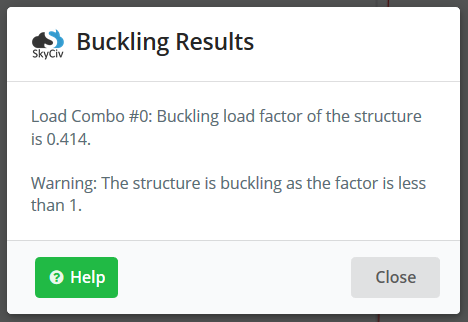
A pop-up will also display to indicate the buckling load factor. This is dependent on the Load Combination selected in the top left corner dropdown of your load combos.

buckling 3
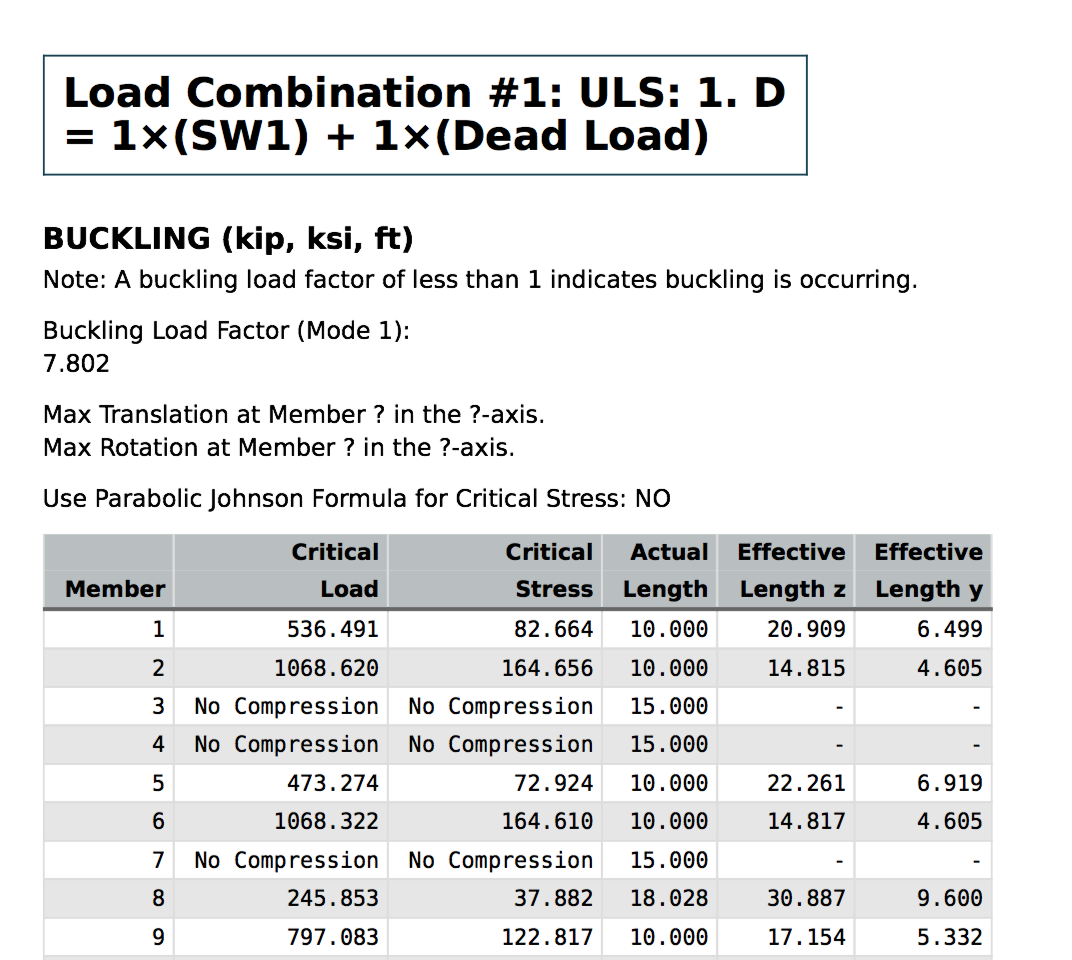
Users can also get more information on the buckling analysis via our Analysis Report. This will display information such as effective lengths, critical loads and critical stresses for each member:

skyciv-buckling-analysis-results-report

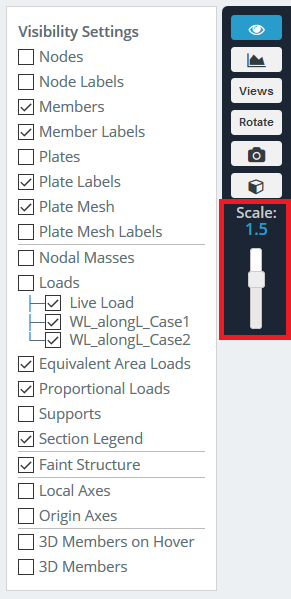
The scale of the buckling shape can be increased or decreased with the slider on the right. You can also use S + scroll mouse, this helps animate the structure’s buckling shape to help the user interpret the buckling shape.
Buckling 1
If you just wish to simulate simple column buckling then try our free buckling load calculator.

Buckling Analysis in SkyCiv Structural 3D

[arve url=”https://youtu.be/v-0EdsC3fvU” title=”Buckling Analysis” /]


How can we help?

×

Updated February 19, 2026

Still stuck? Contact us

Go to Top